Reception
Members, memberships and check-ins in one workspace.
Staff use the Windows app for memberships, check-ins, classes and sales. Gyms can use physical cards and codes, and enable the member app if they choose.
Contact us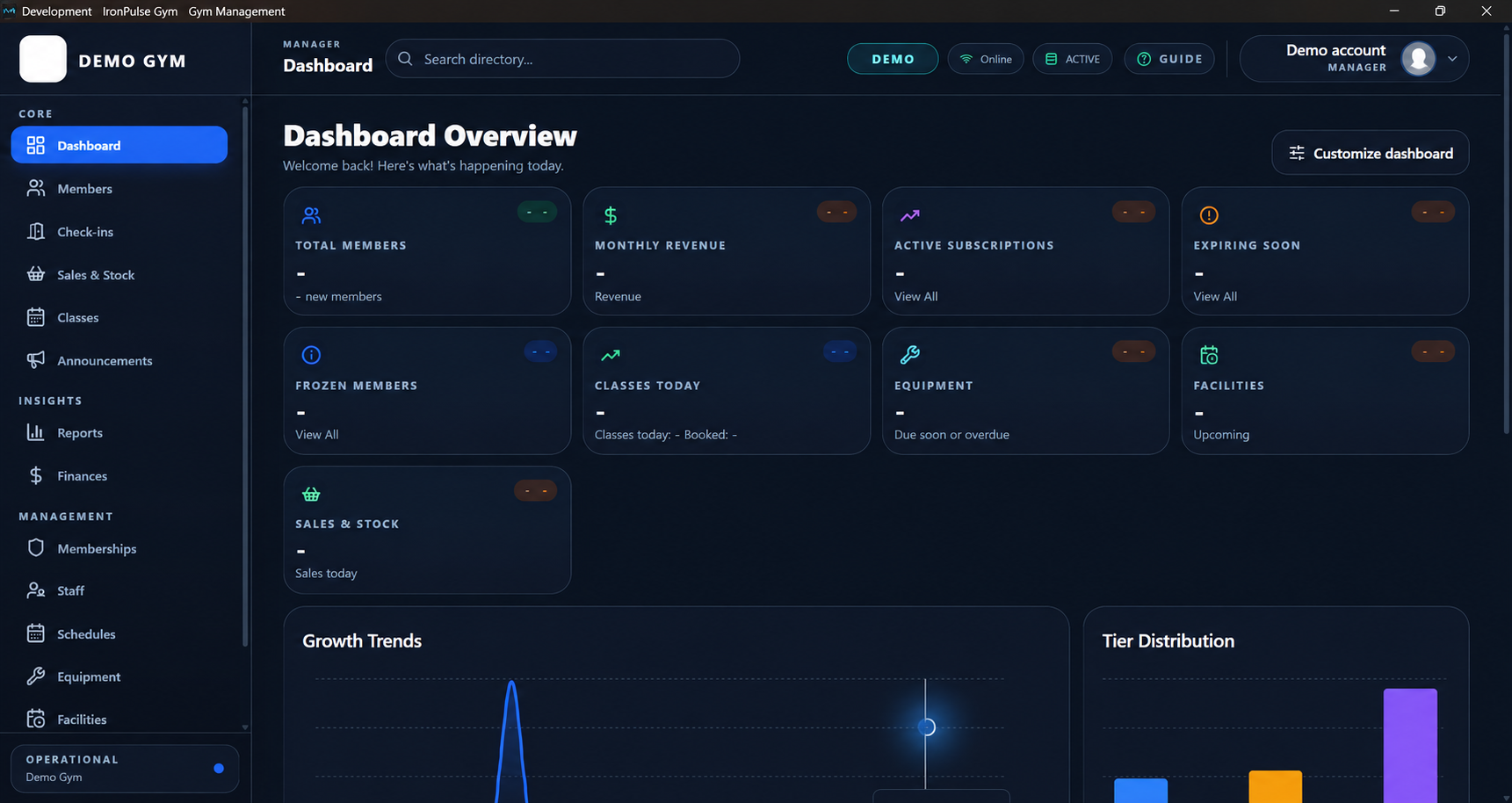
A real view of the Windows staff app.
Members, memberships and check-ins in one workspace.
Classes, bookings, sales and stock.
Staff, reports and finances.
Set up plans, staff, cards and schedules, then test the flow before opening.
We bring over available member data. If the gym uses the mobile app, members then activate their own accounts; old passwords do not transfer.
A gym can work with the Windows app and physical cards or codes alone. It can offer the member app if it chooses.
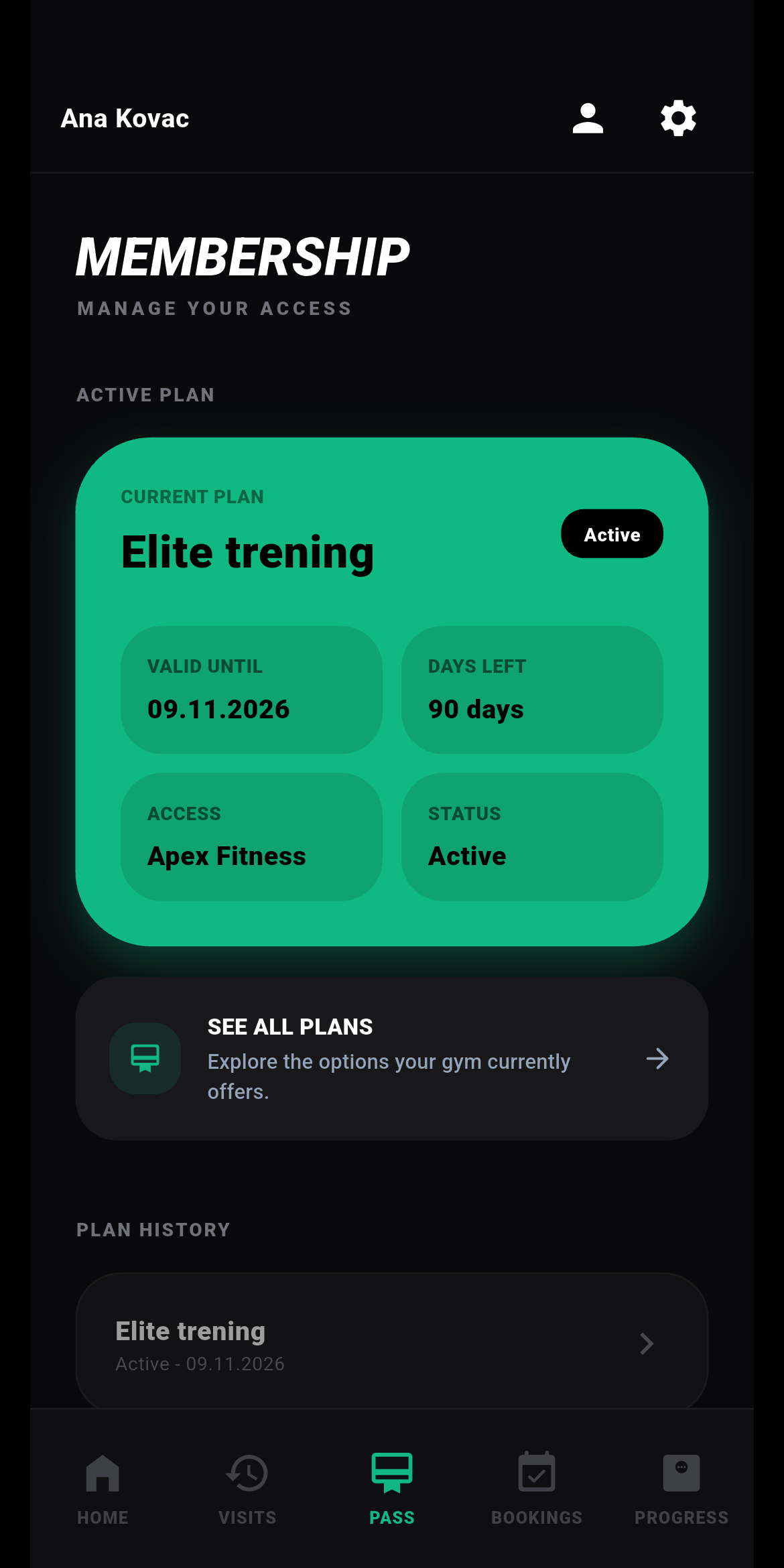
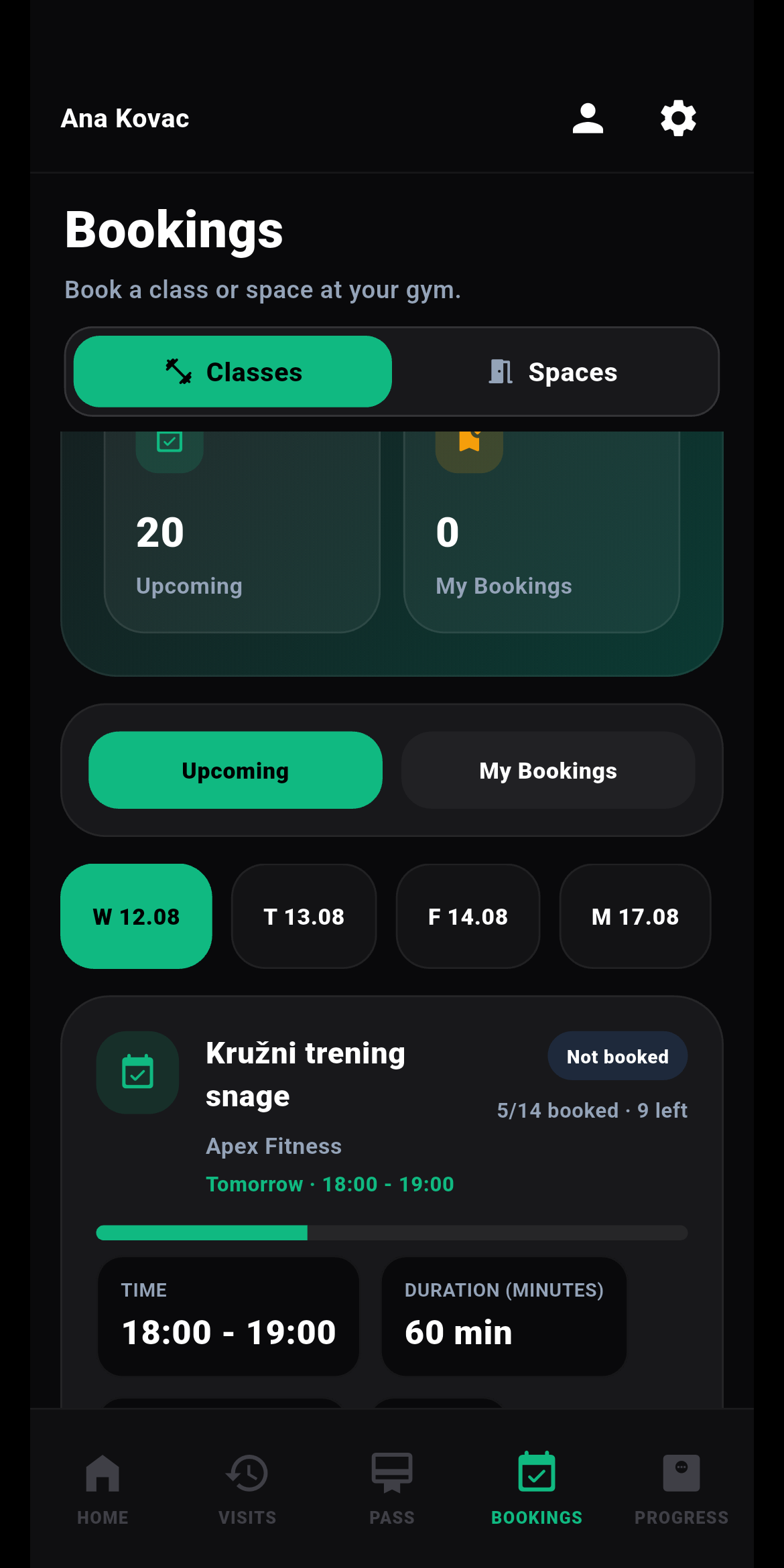
Android app screens with sample data
Yes. You can configure and test the gym before your first day.
We can import usable data your current system can export. If you enable the mobile app, members activate their own accounts; old passwords do not transfer.
Yes. Barcodes, QR codes and compatible RFID cards are supported. We check existing cards and readers for compatibility first.
No. A gym can work with the Windows app and physical cards or codes. The Android and iOS member app is optional.
Leave your details and we’ll get in touch to discuss your gym.